
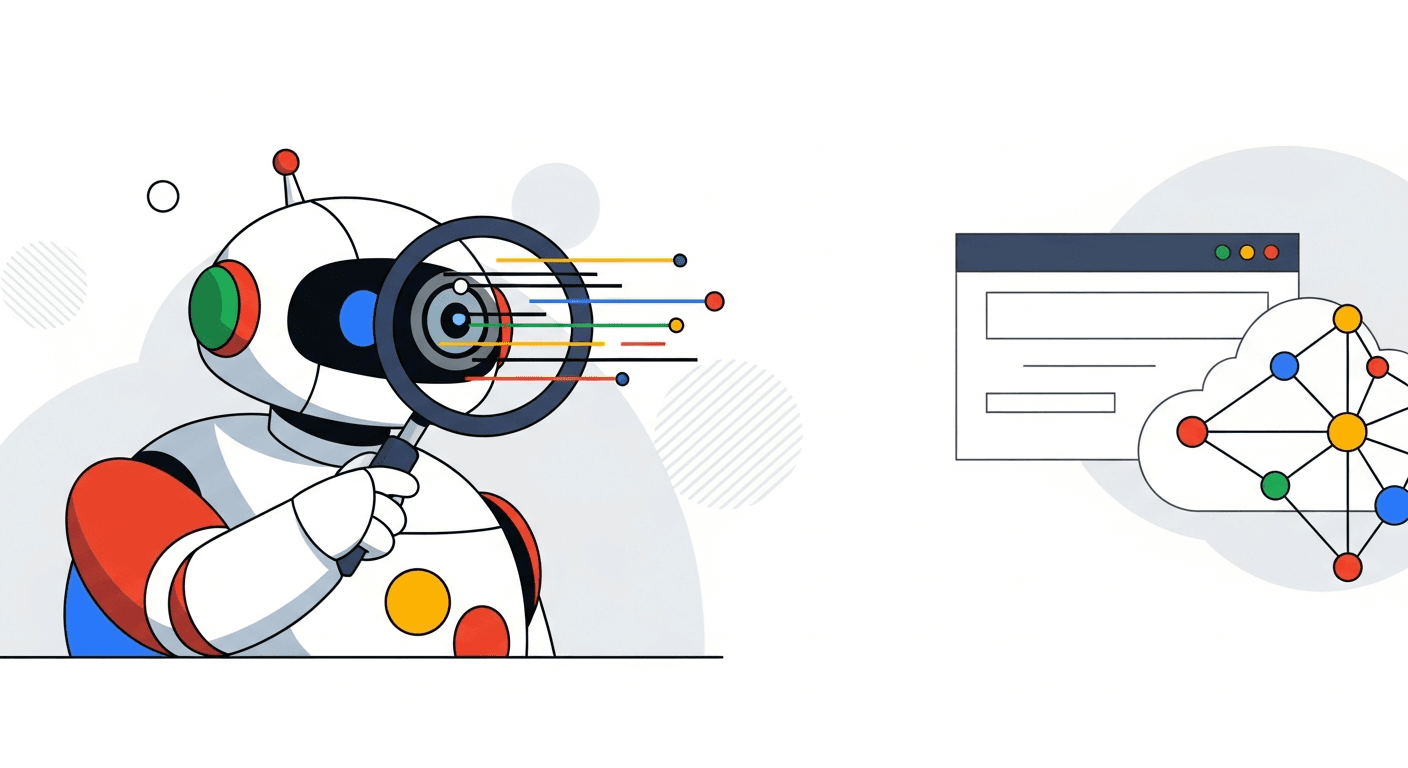
A Googlebot tester is an online tool or feature that simulates how Google's web crawler, Googlebot, views and processes a specific web page. It helps website owners identify potential crawling and indexing issues by showing the page's content, code, and meta directives exactly as Googlebot would interpret them, rather than how a human user sees it in a browser. This crucial insight ensures your site's content is discoverable and rankable by search engines.
- Googlebot testers simulate how Google's crawler sees your site, revealing hidden SEO issues.
- They expose problems like blocked content, incorrect meta tags, and JavaScript rendering errors.
- Using a tester helps ensure your critical content is indexable and visible to search engines.
- Advanced testers can analyze mobile-first indexing and crawl budget efficiency.
- Integrating tester insights into an AI SEO platform like BoltSEO can automate monitoring and issue resolution.
What is a Googlebot Tester and Why Do You Need One?
Understanding how search engines interact with your website is fundamental to online visibility. A Googlebot tester provides this critical perspective. It allows you to preemptively address issues that could otherwise hinder your performance.
The Role of Googlebot in SEO
Googlebot is the generic name for Google's web crawling software. It systematically discovers and scans web pages. According to What Is Googlebot, its primary function is to gather information for Google's searchable index. This index is the foundation of all Google search results. If a page isn't crawled and indexed, it simply won't appear in search.
Common Crawlability and Indexability Issues
Many small businesses lose significant organic traffic due to unaddressed crawlability issues. Common problems include robots.txt files blocking important sections, noindex meta tags preventing pages from appearing in results, or excessively slow load times. JavaScript rendering problems can also hide content from the indexing process. These issues can reduce visibility by up to 80% for critical pages.
Benefits of Using a Googlebot Tester
A Googlebot tester helps identify these problems early. For small businesses, this means saving time on manual checks. It also prevents costly SEO mistakes that could take months to recover from. Testers offer a direct window into search engine perception, ensuring your efforts translate into measurable results. They provide immediate feedback on technical SEO health.
How Googlebot Testers Work: Simulating the Crawler's View
Googlebot testers provide a unique perspective. They show precisely what the search engine's automated systems "see" when visiting your page. This differs significantly from a human user's experience.
The Mechanics of a Googlebot Simulation
A Googlebot simulator fetches a URL using a specific user-agent string. This string identifies the request as coming from a search engine crawler. The simulator then processes the page, rendering its HTML and executing JavaScript, much like the actual web crawler would. This reveals how dynamic content, often invisible to basic fetches, appears to the indexing agent. The output often highlights discrepancies between browser views and crawler views.
Key Data Points Revealed by Testers
Testers provide several critical pieces of information. This includes the rendered HTML, HTTP status codes, and the directives within robots.txt. They also show meta robots tags and canonical tags. Each element directly impacts how content is discovered and ranked. Understanding these data points is essential for effective technical SEO.
| Data Point | Description | SEO Significance |
|---|---|---|
| Rendered HTML | The final HTML after JavaScript execution, as seen by the search engine. | Shows if dynamic content is visible and indexable. Crucial for SPA websites. |
| HTTP Status Code | The server's response code (e.g., 200 OK, 404 Not Found, 301 Redirect). | Indicates page availability and redirect chains. Affects indexing and user experience. |
| Robots.txt Directives | Rules in your robots.txt file that permit or disallow crawling. |
Determines which parts of your site a web crawler can access. Essential for crawl control. |
| Meta Robots Tags | <meta name="robots" content="noindex, follow"> tags within the page HTML. |
Explicitly tells search engines whether to index a page or follow its links. |
Understanding User-Agent Strings and Headers
The Googlebot user-agent string identifies the crawler. This string informs the server that it's a search engine bot, not a regular browser. Testers accurately mimic this. Specific HTTP headers, like X-Robots-Tag, can also influence crawling and indexing. These headers provide directives similar to meta tags but at the HTTP level. Testers reveal if these headers are correctly applied and interpreted, preventing unintended blocking.
Step-by-Step: Using a Googlebot Tester for Your Website
Implementing a Googlebot tester is a straightforward process. It involves selecting the right tool, performing a test, and then analyzing the output. This workflow, often called The Googlebot Tester Workflow, ensures consistent results.
Choosing the Right Googlebot Tester Tool
Several tools are available for testing. Each offers distinct advantages. Google Search Console's URL Inspection tool is a fundamental resource. Dedicated online simulators provide a quick, isolated check. Browser extensions can offer on-the-fly analysis.
| Tool Type | Primary Strength | Best Use Case | Example |
|---|---|---|---|
| Online Simulator | Quick, isolated crawl simulation. | Rapidly checking single pages or specific URLs. | Screaming Frog SEO Spider |
| Google Search Console | Official Google data and indexing status. | Debugging specific indexing issues, confirming status. | URL Inspection tool |
| Browser Extension | Real-time header and meta tag inspection. | On-page technical SEO audits during development. | SEO Minion |
Performing a Basic Crawl Test
Running a basic test is simple. First, navigate to your chosen Googlebot simulator. Second, enter the URL you wish to test into the designated field. Third, ensure the tool is configured to simulate the correct Googlebot user-agent (e.g., "Googlebot Desktop" or "Googlebot Smartphone"). Finally, initiate the crawl. According to Check if a URL is available to Google, the URL Inspection tool in Google Search Console is a reliable choice for official checks.
Interpreting Results and Identifying Issues
Once the test completes, carefully examine the output. Look for any robots.txt directives that might be blocking content. Check for noindex tags preventing pages from appearing in results. Verify that all critical content is present in the rendered HTML, especially for JavaScript-heavy sites. Common errors include missing canonical tags or server response errors like 404s. Address these findings promptly to improve your site's crawlability.
How to Test Your Site as Googlebot (Including robots.txt)
Whether you call it a Googlebot simulator, a Googlebot test or a Google crawler simulator, the check is the same: request your page the way Google does and compare the result with what visitors see. You can run the whole check in a few minutes with BoltSEO's free Googlebot simulator and Google Search Console.
- Test your robots.txt first. Open
yourdomain.com/robots.txtand look forDisallowrules underUser-agent: GooglebotorUser-agent: *that match the URL you care about, because a singleDisallow: /blocks the entire site. - Fetch the page as Googlebot. Run the URL through a Googlebot simulator so it is requested with Googlebot's user-agent, then confirm it returns a 200 status code without redirect chains or server errors.
- Compare the crawled HTML with the page in your browser. If headings, body text or internal links only appear after JavaScript runs, Google has to render the page before it can index them, which can delay or drop that content.
- Check noindex and canonical signals. Look at the meta robots tag, the
X-Robots-Tagheader and the canonical URL, since a straynoindexor a canonical pointing elsewhere keeps a page out of results even when crawling works. - Confirm with Google Search Console. Use URL Inspection and its "Test live URL" option for Google's own verdict, review the robots.txt report for fetch errors, and request indexing once your fixes are live.
Run these five checks after every template change, migration or robots.txt edit, because that is when crawl blocks most often slip in unnoticed.
Beyond Basic Checks: Advanced Googlebot Testing Strategies
Modern websites demand more than just basic crawl checks. Advanced strategies leverage Googlebot testers for deeper analysis, especially with dynamic content and mobile experiences.
Testing JavaScript-Heavy Websites
JavaScript frameworks like React, Angular, and Vue.js are common. However, they often pose challenges for search engine crawlers. A high percentage of websites struggle with JavaScript rendering, making content invisible to the indexing process. Advanced Googlebot simulators can render the page fully, showing the Document Object Model (DOM) after JavaScript execution. This "after-JavaScript" DOM is what the search engine actually parses. It's crucial to ensure all important text, links, and structured data are present in this final rendered state. This level of detail helps prevent hidden content issues.
Analyzing Mobile-First Indexing with Googlebot
Mobile-first indexing means Google primarily uses the mobile version of your content for indexing and ranking. It is vital to ensure your mobile site is fully accessible. Use a Googlebot tester to specifically simulate the "Googlebot Smartphone" user-agent. Compare the mobile rendered HTML to the desktop version. Look for any content discrepancies, layout shifts, or missing resources. This direct comparison helps guarantee a consistent experience across devices, which is critical for 2026 SEO performance.
Monitoring Crawl Budget and Efficiency
Crawl budget refers to the number of URLs search engine agents can and want to crawl on your site within a given timeframe. For larger sites, or those with frequent updates, optimizing this budget is essential. Websites with optimized crawl budgets see a measurable improvement in page indexing speed and search visibility. A Googlebot test, combined with data from the Google Search Console, can highlight areas of inefficiency. Identify pages that consume excessive crawl resources without providing significant SEO value. This allows you to prioritize important content for frequent re-crawls.
Integrating Googlebot Tester Insights into Your SEO Workflow
Identifying issues is only the first step. Integrating these insights into a actionable workflow ensures continuous improvement. This is where automation becomes invaluable.
Prioritizing and Fixing Crawl Errors
A systematic approach to fixing crawl errors is essential. First, prioritize critical indexing blocks, such as noindex tags on important pages or robots.txt disallows. These issues directly prevent visibility. Second, address unrendered content, especially on JavaScript-heavy sites. Ensure all key information is visible to the search engine. Finally, tackle crawl budget inefficiencies, particularly for larger websites. This sequential method ensures the most impactful issues are resolved first, maximizing your SEO return on investment.
Leveraging Tester Data for Content Optimization
Googlebot tester data can significantly inform your content strategy. It verifies that your key phrases are visible within the rendered HTML. This is especially important for dynamic content. Identify any content hidden by JavaScript or other dynamic elements that should ideally be static and easily crawlable. For example, if product descriptions load via an API, ensure they appear in the rendered source. This ensures your content optimization efforts are truly effective for search engines.
Automating Checks with AI-Powered SEO Platforms
Manual Googlebot testing can be time-consuming. Automating SEO checks with AI platforms can save small businesses a substantial amount of time each month. BoltSEO offers robust capabilities to continuously monitor crawlability. Our platform identifies issues as they arise and even suggests content adjustments. This proactive approach saves businesses up to 15 hours per month on technical SEO tasks. Learn more about AI Marketing Automation for Small Businesses and see how BoltSEO can put your Automatische SEO op autopilot.
Frequently asked questions
What is the difference between Googlebot and a Googlebot tester?
Googlebot is Google's actual web crawling software that discovers and indexes web pages for search results. A Googlebot tester is a tool that simulates Googlebot's behavior, allowing website owners to see how the official crawler perceives their site without waiting for a live crawl.
Does Google Search Console have a Googlebot tester?
Yes, Google Search Console includes a powerful "URL Inspection" tool. This feature functions as a Googlebot tester, showing you how Googlebot last crawled a URL, whether it's indexed, and allowing you to request a live test of the page.
How often should I use a Googlebot tester?
The frequency depends on your website's update schedule and size. For actively updated sites, test new or significantly modified pages before launch. For stable sites, a monthly or quarterly check, alongside monitoring Google Search Console, is a good practice.
Can a Googlebot tester help with broken links?
Yes, many Googlebot testers and related crawling tools can identify broken links (404 errors) on your website. By simulating a crawl, they expose internal and external links that return an error status, helping you maintain a healthy link profile.
Is using a Googlebot tester safe for my website?
Using reputable Googlebot testers is completely safe for your website. These tools only simulate a request to your server; they do not modify your site's content or settings. Always use well-known tools or official resources like Google Search Console.
What is a Googlebot user-agent?
A Googlebot user-agent is a string of text that identifies the Googlebot crawler when it makes a request to your web server. It tells the server that the request is coming from Google's indexing system, allowing tools and servers to respond accordingly.
Why would Googlebot not see my content?
Googlebot might not see your content due to robots.txt disallows, noindex meta tags, JavaScript rendering issues, slow page load times, or server errors. A Googlebot tester helps diagnose these specific technical issues, revealing why content might be invisible to the search engine. Learn more about SEO to improve your site's visibility.
Keep reading
More on SEO, GEO and growing your organic traffic.

How to Track Website Visitors: 2026 Guide for SMBs
Learn how to track website visitors in 2026: the tools, methods, and privacy rules SMBs need to turn anonymous traffic into customers. Start free.
Read article
Beyond Google: Exploring Search Engines for Your Business
Discover powerful search engines besides Google that offer unique features for privacy, niche searches, and AI-powered results.
Read article
Generative Engine Optimization Tools: Your 2026 UK Guide
The top generative engine optimization (GEO) tools for UK businesses in 2026, and how to use them to get found in AI search answers.
Read articleReady to rank? Start free today.
Put your SEO on autopilot. No credit card, no installations — ready in 2 minutes.