
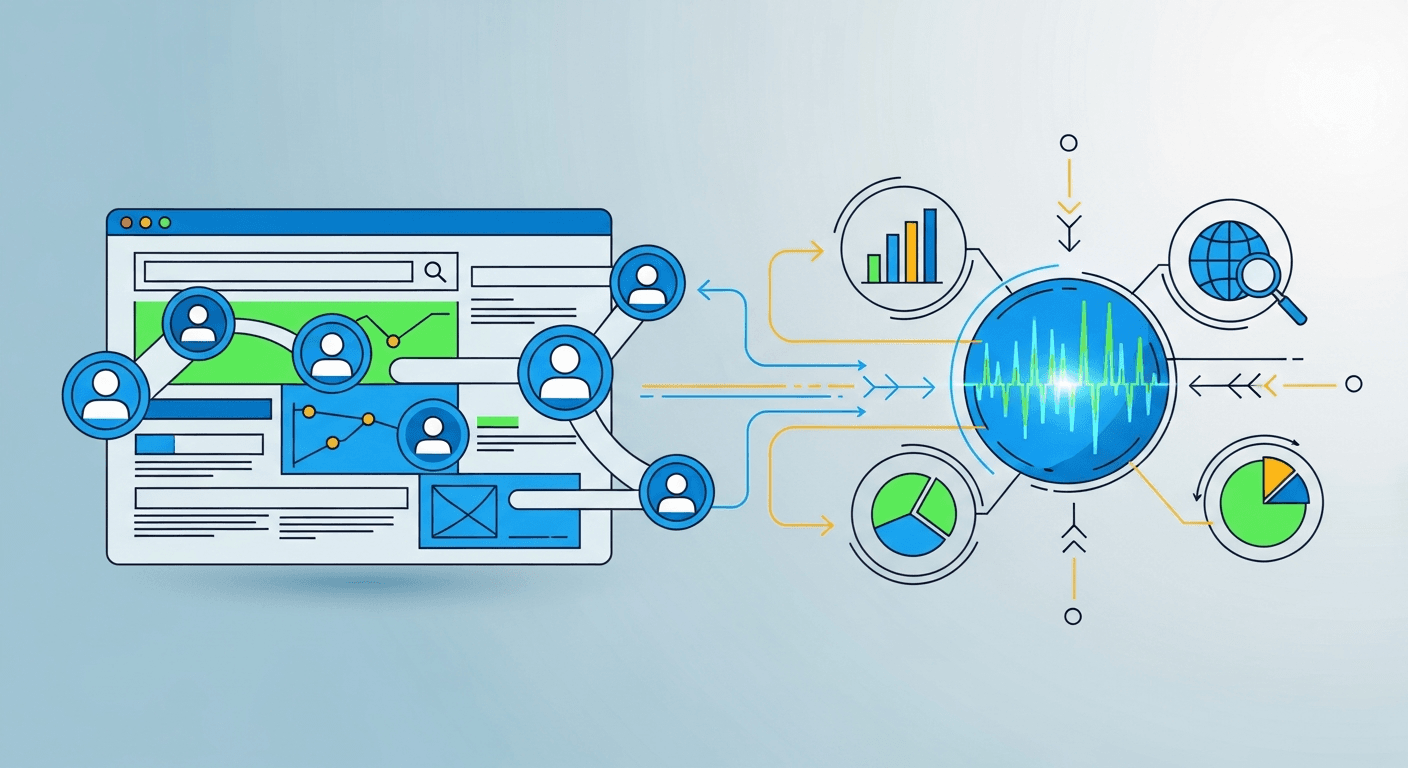
You pour countless hours into your website, creating content, optimizing pages, and driving traffic. But when visitors arrive, do you truly know who they are, what they want, and why they leave? The attention is real, but the actionable insights often aren't.
Tracking website visitors in 2026 involves a combination of behavioral analytics tools like Google Analytics 4 (GA4) for understanding aggregate user actions, and B2B identification software for de-anonymizing specific companies. Effective tracking requires proper implementation, adherence to privacy regulations like GDPR, and leveraging data to inform marketing and sales strategies.
- Website visitor tracking combines behavioral analytics (e.g., GA4) with B2B identification tools to understand both aggregate user trends and specific company visits.
- Proper implementation of tools like GA4, along with event tracking and UTM parameters, is crucial for gathering meaningful data.
- B2B identification tools can turn anonymous website traffic into actionable leads by revealing company names and contact information.
- Privacy compliance, particularly with GDPR and CCPA, is paramount, requiring transparent cookie consent and data handling practices.
- Visitor data can be directly integrated into SEO and content strategies, informing keyword research and automating content generation for better relevance.
Why Tracking Website Visitors is Crucial for Your Business in 2026
Understanding your website visitors is no longer optional; it is essential. Every click, every scroll, every page view offers a clue. Without tracking, your website operates in the dark, leaving valuable data on the table. This is about more than just numbers; it is about strategic growth.
Businesses that effectively track website visitors see a significant increase in lead conversion rates. According to HubSpot, companies using visitor tracking can improve lead quality by up to 70%. These insights directly fuel your marketing and sales engines.
Understanding Anonymous vs. Identified Visitors
Anonymous visitor tracking focuses on aggregate user behavior. Tools like GA4 collect data on page views, time on site, and navigation paths. This reveals overall trends and content performance. It tells you what users do.
Identified visitor tracking goes further. It de-anonymizes specific companies or individuals who visit your site. This reveals who is visiting. It converts unknown traffic into potential leads for your sales team.
The ROI of Visitor Tracking for SMBs
For small to medium businesses, the return on investment from visitor tracking is clear. Improved conversion rates mean more sales from the same traffic. Better sales targeting saves time and resources. You gain a competitive edge.
Visitor data directly informs your content strategy and SEO efforts. If visitors spend significant time on specific topics, those are content gaps to fill. An AI-powered SEO platform can then generate articles addressing these exact interests. This ensures your content always resonates.
Foundational Tracking: Setting Up Your Analytics Engine (GA4 & Beyond)
Your website analytics engine is the backbone of all visitor tracking. Google Analytics 4 (GA4) is the current standard, offering robust insights into user behavior. Setting it up correctly is the first critical step in the 2026 Website Visitor Tracking Blueprint. It provides a unified view of your customer journey.
Implementing Google Analytics 4 (GA4) Correctly
To implement GA4, start by creating a Google Analytics property. Then, add the GA4 measurement ID to your website. For most content management systems (CMS) like WordPress or Shopify, a plugin or direct integration handles this. For advanced setups, use Google Tag Manager. According to the Google Analytics 4 Help Center, proper tag implementation is crucial for data accuracy.
Key GA4 reports for SMBs include the Engagement report, showing active users and sessions. The Conversions report highlights completed goals like form submissions. The Pages and screens report identifies your most popular content. These metrics reveal what resonates with your audience.
Beyond GA4: Exploring Other Behavioral Analytics Tools
While GA4 is powerful, supplementary tools offer deeper visual insights. Hotjar, for instance, provides heatmaps and session recordings. This shows exactly where users click, scroll, and struggle. Crazy Egg offers similar heatmaps and A/B testing capabilities.
These tools complement GA4 by providing qualitative data. GA4 tells you what happened; Hotjar shows why. This combination offers a comprehensive understanding of user behavior. The goal: connect the dots between data and user experience.
| Tool Name | Primary Use Case | Key Feature | Pricing Model (Free/Paid) |
|---|---|---|---|
| Google Analytics 4 | Aggregate user behavior | Event-based data model | Free |
| Hotjar | Visual user insights | Heatmaps, session recordings | Free/Paid |
| Crazy Egg | Visual analytics, A/B testing | Heatmaps, scroll maps, confetti | Paid |
Identifying Your Visitors: Turning Anonymous Traffic into Actionable Leads
Most website traffic remains anonymous without specific B2B identification tools. This means potential business opportunities are often missed. Turning anonymous visitors into identified leads is a game-changer for sales and marketing. It fuels your B2B lead generation efforts directly.
B2B Visitor Identification Tools Explained
Several tools specialize in de-anonymizing website visitors. Clearbit Reveal identifies companies visiting your site using IP addresses. ZoomInfo offers comprehensive company and contact data. Leadfeeder links website visits to specific company names. These tools provide actionable intelligence.
They typically provide data points like company name, industry, size, and location. Some even offer employee contact details. This information empowers your sales team. They can prioritize outreach to companies already showing interest in your offerings.
Leveraging CRM and Marketing Automation for Follow-Up
Once identified, visitor data can integrate directly into your CRM. Tools like HubSpot or Salesforce can receive this information automatically. This triggers specific marketing automation sequences. For example, a visitor from a target account viewing your pricing page could trigger an email sequence.
Another example: if a visitor from a specific industry downloads a whitepaper, they could be added to a segmented drip campaign. This personalized follow-up improves conversion rates. It moves prospects through your sales funnel efficiently.
Advanced Tracking Techniques for Deeper Insights
Beyond basic page views, advanced tracking techniques unlock richer data. UTM parameters and event tracking provide granular detail on campaign performance and user actions. These methods offer a clearer picture of your audience's journey. They optimize your conversion tracking efforts significantly.
UTM Parameters: Campaign Tracking Mastery
UTM parameters are tags added to URLs to track the source of traffic. There are five main parameters: utm_source (e.g., google, newsletter), utm_medium (e.g., cpc, email), utm_campaign (e.g., summer_sale), utm_content (e.g., banner_ad), and utm_term (e.g., running+shoes). An example URL: https://yourwebsite.com?utm_source=facebook&utm_medium=social&utm_campaign=spring_promo. These tags tell you exactly where your traffic comes from.
Using UTMs helps you understand which marketing channels are most effective. You can compare the performance of different ad creatives or email links. This data is invaluable for optimizing your marketing spend. It ensures you invest in what works.
Event Tracking and Conversion Optimization
Event tracking measures specific user actions beyond page views. In GA4, you can set up custom events for button clicks, form submissions, or video plays. For example, track clicks on "Add to Cart" or "Download Ebook." This reveals user engagement with key elements.
Implementing event tracking for key actions can boost conversion rates by a measurable percentage. For instance, optimizing a signup form based on event data showing drop-offs could increase sign-ups by 15%. This granular data helps identify friction points in the user journey. It allows for targeted improvements. Actionable insight: track what truly matters for your business goals.
Navigating the Privacy Landscape: Compliance in 2026
Website visitor tracking operates within a strict legal framework. Privacy compliance, particularly with GDPR and CCPA, is paramount. Ignoring these regulations can lead to significant fines and reputational damage. Transparency and user consent are key.
GDPR and CCPA: What SMBs Need to Know
The General Data Protection Regulation (GDPR) in Europe and the California Consumer Privacy Act (CCPA) mandate how businesses handle personal data. Core principles include data minimization, purpose limitation, and user consent. According to the General Data Protection Regulation (GDPR) Official Site, users have rights over their data. This means clear consent is required before tracking.
For SMBs, this means understanding what data you collect and why. You must provide clear privacy policies. Users must have the option to opt-in or opt-out of tracking. These regulations protect user privacy.
Cookie Consent Management Best Practices
Cookie consent management platforms (CMPs) help businesses comply. OneTrust, Cookiebot, and TrustArc are popular examples. They manage user consent for cookies and other tracking technologies. Their primary function is to present a clear consent banner. This allows users to accept or decline specific cookie categories.
Websites with clear cookie consent mechanisms experience higher user trust and lower bounce rates. To ensure compliance, implement a CMP that allows granular consent. Clearly explain your data collection practices in an accessible privacy policy. Regularly audit your tracking setup.
Integrating Tracking Data for Automated SEO Content Creation
Visitor tracking data is a goldmine for SEO and content strategy. It provides direct signals about user intent and content gaps. Integrating this data with an AI-powered content platform creates a powerful feedback loop. This leads to AI-powered SEO on autopilot.
Using Visitor Data to Inform Keyword Research
Analyzing visitor search queries in GA4 reveals the exact language users employ. Popular pages and low bounce rates on certain topics indicate high interest. This data directly informs your keyword research efforts. It highlights long-tail keywords and emerging trends.
For example, if your "How to Check Website Traffic: Your Essential Guide for Belgian Businesses" page consistently ranks high, you know traffic analysis is a core interest. You can then expand on related subtopics. This data ensures your content aligns with user demand. Use tools to understand your audience's intent.
Automating Content Generation Based on User Behavior
Visitor data can be directly fed into an AI content platform. If analytics show high engagement on articles about "Competitive Website Analysis: Your AI-Powered Growth Blueprint," the AI can suggest more content in that niche. It identifies content gaps where your site lacks relevant information. This is AI-powered SEO on autopilot.
An AI platform can then automatically generate new articles targeting these identified keywords and topics. For instance, if users frequently search for "How to Do Keyword Research: A Beginner's Guide (2026)" but bounce quickly, the AI can rewrite or expand that content. This ensures your site always offers relevant, high-quality content that meets user needs. Five minutes of setup. Then it runs.
Frequently asked questions
What is the best free tool to track website visitors?
Google Analytics 4 (GA4) is widely considered the best free tool for tracking website visitors. It offers comprehensive data on user behavior, engagement, and conversions. GA4 provides powerful insights into your website's performance without any cost.
How can I track individual website visitors?
Tracking individual website visitors typically requires B2B identification tools like Clearbit Reveal or Leadfeeder. These tools use IP addresses and other data points to de-anonymize corporate visitors. For individual consumer tracking, ethical and legal limits exist, often requiring explicit consent and being limited to internal CRM linking.
Is it legal to track website visitors?
Yes, tracking website visitors is legal, but it must comply with privacy regulations like GDPR and CCPA. This means obtaining explicit user consent for cookies and data collection. Transparency about data usage and providing opt-out options are crucial for legal compliance.
What is the difference between client-side and server-side tracking?
Client-side tracking involves code running in the user's browser (e.g., Google Analytics JavaScript snippet). Server-side tracking involves data collection happening on your server, often before it reaches the browser. Server-side tracking offers more control, better data accuracy, and can bypass some ad blockers.
How does visitor tracking help with SEO?
Visitor tracking helps SEO by revealing user behavior, popular content, and search queries. This data informs keyword research, identifies content gaps, and allows for optimization of existing pages. Understanding what users want helps create more relevant and engaging content, improving search rankings.
Can I track website visitors without cookies?
Yes, it is possible to track website visitors without cookies, though it is more challenging. Methods include server-side tracking, fingerprinting (though often considered privacy-invasive), and using URL parameters. However, most robust analytics systems still rely on cookies for accurate user identification and session tracking.
Keep reading
More on SEO, GEO and growing your organic traffic.
AI SEO vs. an SEO Agency: The Real Cost for SMBs
AI SEO or an SEO agency? An honest cost, time, and results comparison for small businesses in 2026 — what each really delivers, and which fits a tight budget.
Read article
Google SERP Tracking: Essential for Belgium's Digital Growth
Master Google SERP tracking to elevate your SEO in Belgium. Discover tools, strategies, and how AI can automate rank monitoring for better visibility.
Read article
Competitive Website Analysis: An AI Growth Blueprint
AI-powered competitive website analysis reveals rivals' traffic, keywords, and content strategies so you can outgrow your niche. Start free.
Read articleReady to rank? Start free today.
Put your SEO on autopilot. No credit card, no installations — ready in 2 minutes.