
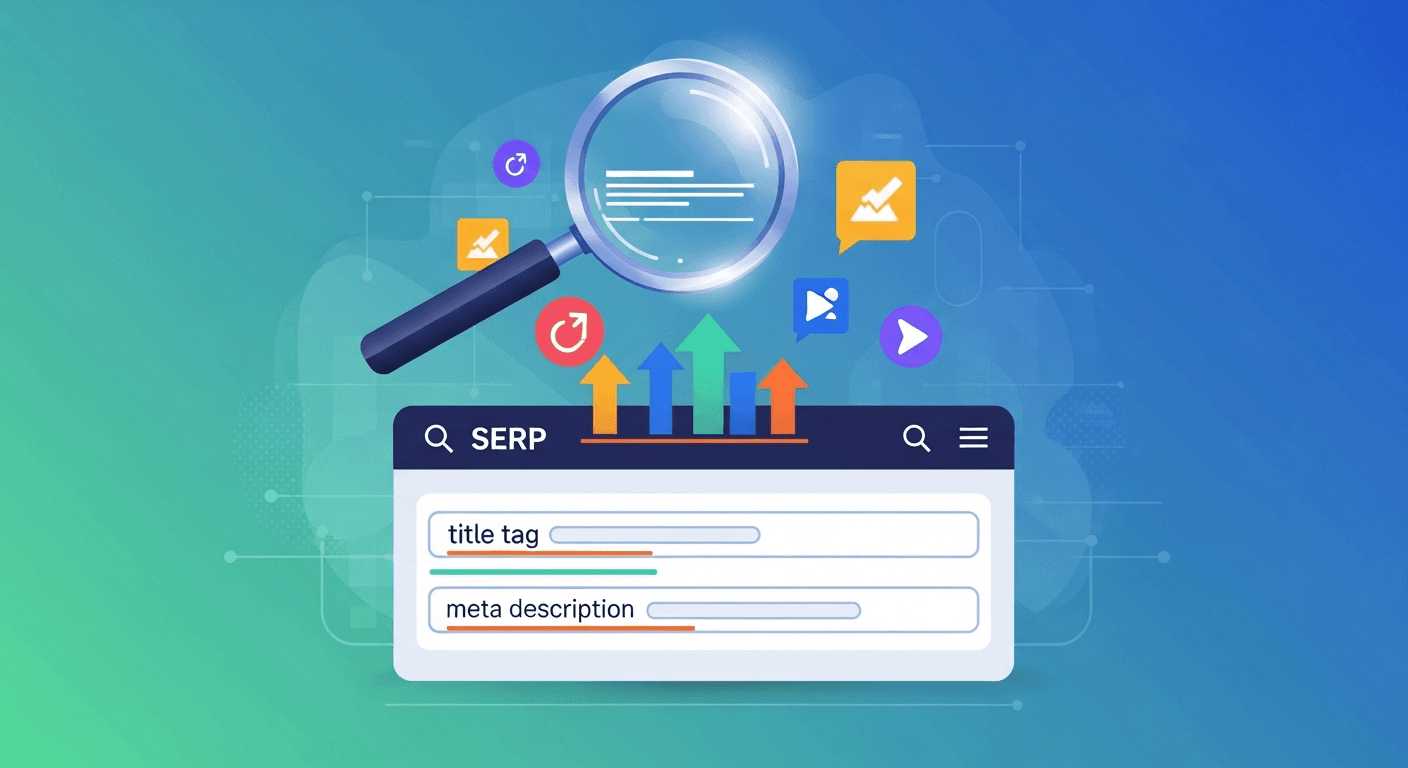
Here's an uncomfortable truth: you can rank #1 on Google and still get almost no traffic. If your title tag and meta description are dull, people scroll past you to a more tempting result lower down.
- Title tags are the clickable blue headlines and a direct ranking factor.
- Meta descriptions are the grey text; they don't directly rank but boost click-through rate (CTR).
- Optimize title tags to ~50-60 characters, leading with keywords and adding a reason to click.
- Write meta descriptions like ad copy, ~150-160 characters, including keywords and a call to action.
- Use a SERP preview tool to ensure titles and descriptions display correctly on all devices.
Your title and description are your ad in the search results — the one piece of marketing copy that decides whether all your SEO work turns into an actual visit. Getting them right is one of the highest-return, lowest-effort wins in SEO. Here's how.
Title tag vs. meta description: what's the difference?
- The title tag is the clickable blue headline of your result. It's a real ranking factor and the biggest driver of clicks.
- The meta description is the grey text underneath. It doesn't directly affect rankings, but a good one significantly increases your click-through rate (CTR) — and a higher CTR tends to help rankings indirectly.
Together they're your shopfront window in Google. Let's make people want to come in.
How to write a title tag that gets clicks
- Lead with the keyword. Put what the page is about near the front, so searchers (and Google) see the match instantly.
- Keep it to ~50–60 characters. Longer and Google truncates it with "…".
- Add a reason to click. A number, a year, a benefit, a "free" — something that makes yours more tempting than the result above and below it.
- Make every title unique. Duplicate titles confuse Google and waste the opportunity.
Weak: Home - Smith Plumbing
Better: Emergency Plumber in Antwerp – Same-Day Repairs | Smith
How to write a meta description that gets clicks
- Write it like ad copy, not a summary. Speak to what the searcher wants and hint at the answer they'll get.
- Keep it to ~150–160 characters so it doesn't get cut off.
- Include the keyword — Google bolds matching terms, which catches the eye.
- End with a soft nudge: what they'll learn, get, or be able to do.
Weak: We are a plumbing company serving the local area with various services.
Better: Burst pipe or broken boiler? Get a same-day emergency plumber in Antwerp. Upfront pricing, no call-out fee. Book online in 60 seconds.
See it before you publish
Here's the catch: how your title and description look in Google isn't always how they read in your editor — length, truncation, and mobile vs. desktop all change things. Don't guess.
Run your page through our SERP preview and meta tester: paste your title and description and see exactly how they'll appear on desktop and mobile, with AI-generated alternatives that tend to earn more clicks. It's the fastest way to catch a title that's getting cut off or a description that falls flat.
Quick reference
| Title tag | Meta description | |
|---|---|---|
| Affects ranking? | Yes (directly) | No (but lifts CTR) |
| Ideal length | ~50–60 characters | ~150–160 characters |
| Keyword placement | Near the front | Naturally, once |
| Goal | The click | The click |
Further reading
FAQ
Does the meta description affect SEO rankings?
Not directly — Google doesn't rank you based on it. But a compelling meta description raises your click-through rate, and getting more clicks than expected for your position tends to help rankings over time. So it matters, just indirectly.
How long should a title tag and meta description be?
Aim for roughly 50–60 characters for the title and 150–160 for the meta description, so Google doesn't truncate them. Use a SERP preview tool to check exactly how yours render before publishing.
Why does Google sometimes rewrite my meta description?
Google may swap in its own snippet if it thinks another part of your page better matches the search. You can't fully prevent it, but a clear, relevant, well-written description is more likely to be kept — and worth writing regardless.
Should every page have a unique title and description?
Yes. Duplicates waste the opportunity and can confuse Google about which page to show. Every page that matters deserves its own tailored title and description.
Make the click your habit
Titles and descriptions are quick to write and quick to test — so make it a standard step for every page. Write the keyword-led title, the ad-style description, then check both in the SERP preview tool before you hit publish. For the full page-level picture, see how to write a blog post that ranks.
And if writing optimized titles and descriptions for every article sounds like one more thing you'll never keep up with — that's part of what AI SEO on autopilot handles for you. Analyze your website free: three articles, no credit card.
Keep reading
More on SEO, GEO and growing your organic traffic.

20 Best Blog Examples for 2026: Your Ultimate Guide
Explore 20 top blog examples for 2026, from B2B to lifestyle, and learn what makes them successful. Discover strategies to elevate your content with AI-powered SEO.
Read article
SEO Software for Agencies: Your 2026 Toolkit for Growth
Discover the best SEO software for agencies in 2026 to streamline operations, enhance client results, and scale your growth. Find tools for automation, reporting, and content creation.
Read article
Beyond Google: Exploring Search Engines for Your Business
Discover powerful search engines besides Google that offer unique features for privacy, niche searches, and AI-powered results.
Read articleReady to rank? Start free today.
Put your SEO on autopilot. No credit card, no installations — ready in 2 minutes.